
Email Marketing Automation: A Practical Shopify Guide
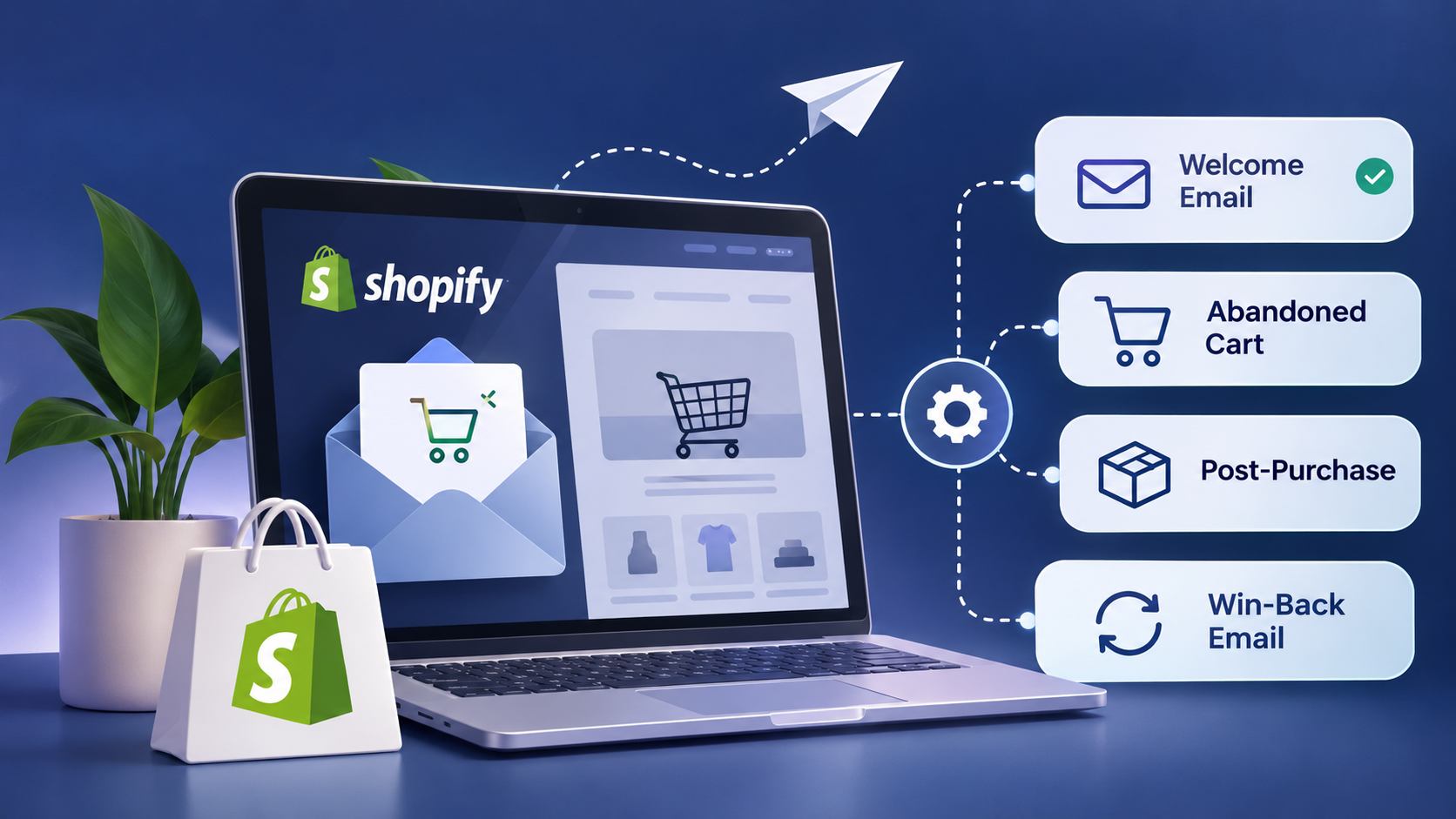
Every online store owner knows the feeling: you want to send the right email to the right shopper at the right moment, but there are only so many hours in a day. Shopify email marketing automation solves this by letting your store send messages on its own, triggered by what customers actually do, such as joining your list, leaving items in a cart or placing an order. Email is also one of the most profitable channels in ecommerce, with an often-quoted average return of around $36 for every $1 spent. This guide explains what automation is, why it works, which nine campaigns deserve a place in your store, how to keep them effective, which tools to compare, and exactly how to build your first flow inside Shopify.
What Is Email Marketing Automation?
Email marketing automation means your email platform sends messages for you whenever a shopper performs a specific action. Instead of writing and scheduling each message by hand, you design the rules once. From then on, a signup, an abandoned cart or a completed purchase quietly sets the right email in motion.
Why Automation Is Worth It
Saving time is the obvious win, but the real value goes deeper.
It Makes Every Customer Feel Seen
Messages that respond to behavior feel personal. A warm welcome, a product suggestion based on browsing, or a back-in-stock alert tells shoppers you are paying attention. Timing matters as much as tone: if someone just bought a winter jacket, a note about matching gloves lands while the need is fresh.
It Brings Buyers Back
Customers who have already purchased are your easiest sales. Thank-you notes, short surveys, repurchase reminders and well-timed offers keep your brand in mind long after the first order ships.
It Grows With You
A flow that works for ten subscribers works just as well for a hundred thousand. Your list can expand without your workload expanding alongside it.
9 Automated Campaigns Every Store Should Run
1. Welcome Emails
The welcome email is the first message a new subscriber gets, and it should go out instantly. These are among the most opened emails you will ever send because the person has just acted and expects to hear from you. Include whatever you promised at signup, whether that is a first-order discount, early access to launches or exclusive content. Use the same message to set expectations and invite people to follow you on social channels.
One fitness brand built a 40-day welcome series that became its best-converting channel at 8%, outperforming organic search and paid social. It opened with a 10% offer, raised it to 15% for people who had not bought after a month, and mixed in community invitations along the way.
2. Abandoned Cart Emails
Well over 70% of shopping carts are left behind, so a reminder sequence can recover a lot of lost revenue. Show the exact items the shopper left, add a product photo and link straight back to the cart. Remember that tracking requires shoppers to have accepted cookies on your site. Shopify Messaging also supports abandoned checkout and abandoned product browse messages.
A three-step sequence based on Rejoiner research works well as a starting point:
Watch your conversion rate in the analytics and adjust the timing and content over time. Adding social proof, such as reviews from happy buyers, often helps hesitant shoppers finish checkout.
3. Email Nurture Series
A nurture or drip series gently turns subscribers into customers. It can start right after the welcome email. A common pattern looks like this:
- Email 1: Explain what your products do and how they help.
- Email 2: Introduce yourself with a personal note from the founder.
- Email 3: Share tips for getting the most from your products and invite questions.
- Email 4: Follow up on something the subscriber did, such as browsing a product.
Series can be as short as two emails or stretch to a dozen. Focus on value and your brand story rather than constant discounts.
4. Thank-You Emails
A thank-you right after purchase is a great chance to build a relationship. For a first order, express gratitude for trusting a new brand. For a second order, thank them for coming back and recognize their loyalty.
5. Post-Purchase Emails
These messages keep buyers informed and show off your brand personality:
- Order confirmation: order number, product name and photo, shipping details, payment summary, return options and support contacts.
- Shipping confirmation: sent once the order is fulfilled.
- Shipping update: sent when tracking information changes.
- Out for delivery: a good moment to build excitement and share care or assembly guidance.
- Delivered: the right place to restate your return policy and ask for a review.
Include your contact details in every one. Shopify merchants can switch on order confirmations and status updates directly from the Shopify admin.
6. Customer Feedback Emails
Surveys will not boost sales overnight, but they show customers their opinion counts, and positive answers become social proof. Send a short survey soon after purchase using formats such as NPS, CSAT or CES. Ask for a product review roughly four to five days after delivery, when excitement is still high. A small incentive can raise response rates, and Shopify Forms can handle the timing through purchase or delivery triggers.
7. Win-Back Emails
Loyal repeat buyers carry a lot of weight: data from Smile.io suggests the top 5% of customers generate about 35% of a store's revenue. Win-back flows target people who bought a particular product but have not ordered again. Build segments from purchase history and time the email to when the product is likely running out. A skincare brand reminding someone their foundation is nearly finished, or a hair-care brand offering 10% off a refill, are classic examples.
8. Inventory Updates
When a popular item returns to stock, tell the people who wanted it. Alerts are most powerful when they go to shoppers who requested a notification or saved the item to a wishlist. Apps such as Seguno can add this feature to a Shopify store.
9. Wishlist Sale Notifications
Wishlists let shoppers track prices and remember products they liked. When a saved item goes on sale, an automatic alert gives them the nudge they were waiting for. Pair a wishlist app with Shopify Flow to trigger the email.
Tips for Making Automation Work
- Start simple. Begin with a welcome flow, abandoned cart emails and order updates. Learn from the results and the customer data you collect before adding more.
- Segment, but do not overdo it. Shopify holds your purchase data, so you can group customers by what they bought, when they first ordered or how engaged they are. If a segment is only about ten people, skip the custom email and widen the group.
- Use follow-up discounts sparingly. If every automation ends with a coupon, customers learn to wait for it. Aim to include an offer in roughly one in five follow-ups, or limit it to people who have not used a discount in the past year.
- Keep sending real content. Automation is not a replacement for newsletters, testimonials, gift guides or behind-the-scenes stories.
Best Email Automation Tools
| Tool | Highlights | Pricing note |
|---|---|---|
| Shopify Messaging | Built into Shopify, drag-and-drop editor, templates, AI writing help, analytics, works with Shopify Flow | Up to 10,000 emails per month free |
| Klaviyo | Deep Shopify integration, behavior-based segments, back-in-stock alerts | Starts at about $45 per month, rises with subscribers |
| Mailchimp | Templates, store integration, performance analytics | Free up to 500 subscribers, about $45 per month for 1,500 |
| Seguno | Built for Shopify, restock alerts that read your inventory automatically | Free up to 250 subscribers, about $35 for 2,500 |
For most merchants, Shopify Messaging is the easiest place to begin because product, customer and segment data arrive straight from the store.
How to Set Up Automated Emails in Shopify
Before collecting a single address, build your welcome automation and your signup forms or pop-ups, so every new subscriber is greeted immediately. Shopify Forms is a free tool for capturing leads.
Using a template: open Marketing, choose Automations, select View templates, pick a flow such as Abandoned cart, click Use template, then choose Edit and Edit email to adapt it.
Building from scratch: go to Marketing, then Automations, and select Create custom automation. You can arrange the flow and design the email from there.
Editing later: to change triggers, open the automation, click Edit workflow and apply your changes. To change the email design, use the three-dot menu on the automation, select Edit and save.
Tracking results: open Automations and view results from marketing automations. You will see reach (people emailed), sessions, orders and sales attributed to each flow. Click View report for deeper metrics such as conversions.
Frequently Asked Questions
Why is email automation important?
It turns well-timed messages into sales, builds trust and lets your marketing grow without extra manual work. Because emails go out when customers are most likely to act, you spend less time sending and more time building your business.
How do you use email automation?
Connect an email platform with automation features, such as Shopify Messaging, Klaviyo or Mailchimp, to your subscriber list. Then create sequences triggered by behavior like signing up, abandoning a cart or completing a purchase. Once live, the right message is delivered at the right moment automatically.
Final Thoughts
Shopify email marketing automation lets a small team deliver personal, timely communication at any scale. Start with a welcome flow, abandoned cart reminders and order updates, measure the results, then add win-back, feedback and wishlist campaigns as your data grows. Keep blending automated emails with fresh newsletters and stories, and your store will build stronger relationships and steadier repeat revenue.