
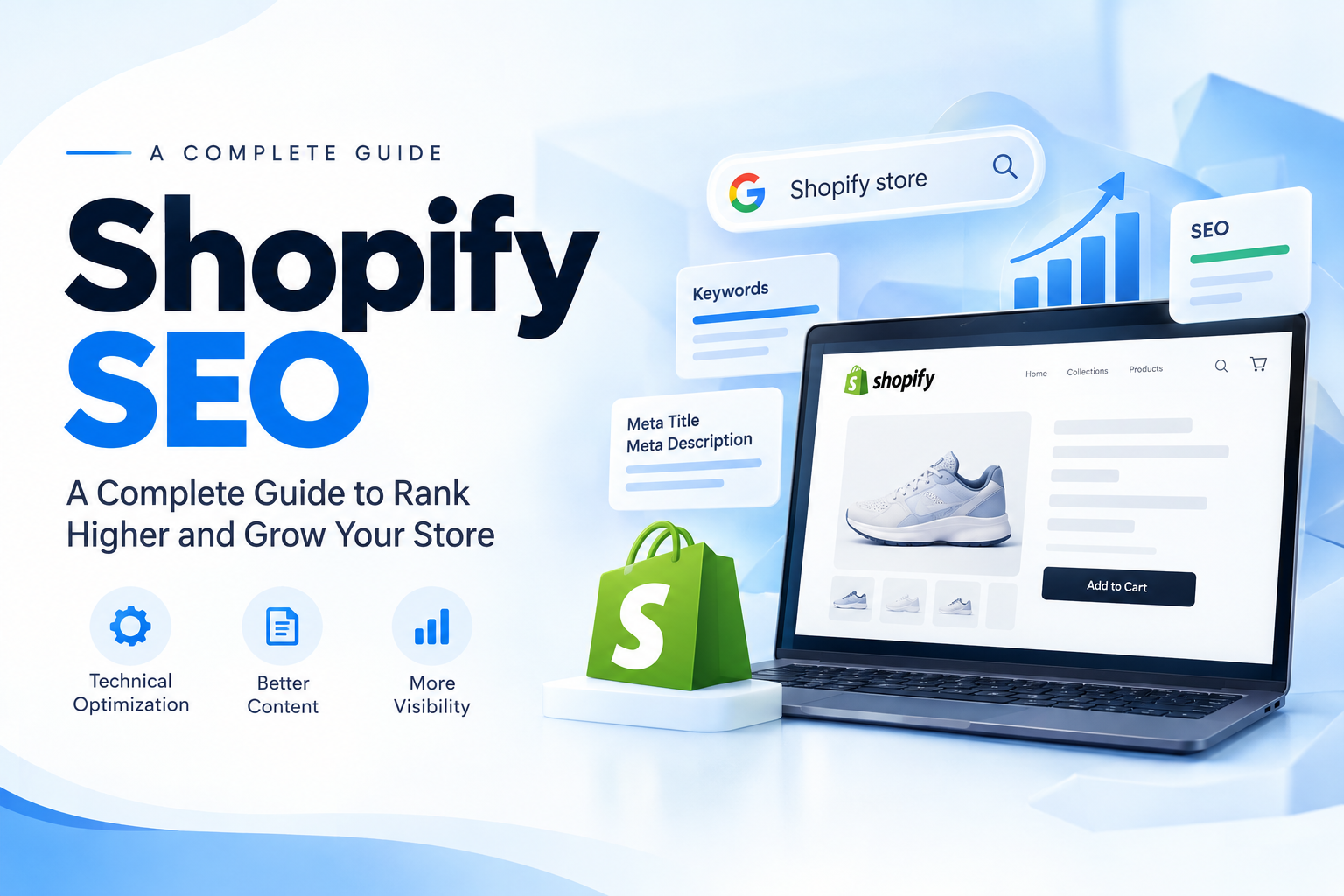
Shopify SEO: The Complete Guide to Ranking Your Online Store
Launching a Shopify store is the easy part. Getting shoppers to find it is where the real work begins. Shopify gives you a solid technical foundation, but it will not rank your products on its own. Shopify SEO is the practice of shaping your store, content, and structure so search engines understand it and customers choose it.
This guide walks through the SEO basics every store owner should cover, the technical fixes that matter on Shopify specifically, and the mistakes that quietly hold stores back.
What Is Shopify SEO?
Shopify SEO means optimizing your store so it appears higher in search results for the terms your customers actually use. It combines three things:
- Technical health: a fast, crawlable store with clean structure and valid structured data.
- Content quality: product pages, collection pages, and blog posts that answer real customer questions.
- Authority and brand: a clear identity that makes people trust and remember you.
Shopify handles a lot out of the box, including an automatic sitemap, a CDN, and SSL. But it is a closed platform, so you have less freedom than on an open CMS. That makes it more important to get the controllable parts right.
Does Shopify Have Good SEO?
Yes, with limits. Shopify makes sure search engines can reach your store and provides basic SEO fields for titles, meta descriptions, and image alt text. The limits come from fixed behaviors you cannot change:
- URLs follow a set pattern such as
/products/,/collections/, and/pages/. - Products can appear under more than one URL when they belong to a collection, which creates duplicate content risk. Shopify mitigates this with canonical tags pointing to the main product URL.
- Deep customization of some technical elements needs theme code edits or apps.
Knowing these limits helps you work around them instead of being surprised by them.
12 Shopify SEO Basics to Get Started
1. Define what makes your store different
Before touching any settings, answer one question: why should a customer buy from you instead of a competitor selling similar products? Your answer, whether it is quality, sourcing, service, or price, should shape your messaging, product copy, and content topics.
2. Do keyword research
Every product and collection page should target a specific search term. Research the phrases shoppers use, check their search volume, and look at the intent behind them. Someone searching "best running shoes for flat feet" is researching, while "buy trail running shoes size 9" is ready to purchase.
Aim for a mix of broad terms and long-tail phrases. Long-tail keywords are less competitive and often convert better, especially for newer stores.
3. Study your competitors
Look at who ranks for your target keywords. Review their product pages, pricing, content depth, and how they describe benefits. Your goal is not to copy them but to find gaps you can fill with better information, clearer pages, or a stronger offer.
4. Write unique product descriptions
Many stores paste in manufacturer descriptions, which means hundreds of sites carry identical text. Search engines see little reason to rank yours. Write original descriptions that cover:
- What the product is and who it is for
- Key features and the benefit of each
- Sizing, materials, care, or compatibility details
- Answers to common pre-purchase questions
Weave in your target keyword naturally, and keep manufacturer details like SKUs accurate.
5. Write strong titles and meta descriptions
Titles and meta descriptions are your listing in search results. Shopify generates them automatically from templates, but custom versions almost always perform better.
- Keep titles under about 60 characters with the main keyword near the front.
- Keep meta descriptions between 120 and 160 characters and give a reason to click.
- Edit them from the search engine listing preview on any product, collection, page, or blog post.
6. Make the most of Shopify URLs
You cannot change Shopify's URL prefixes, but you can control the final part, called the handle. Keep handles short, readable, and keyword-relevant. For example, ugly-christmas-sweaters is better than collection-final-v2. Avoid changing handles after publishing unless necessary, and redirect the old URL if you do.
7. Build a logical site structure
Think of collections as categories. A clear hierarchy helps shoppers browse and helps search engines understand which pages matter most.
- Keep navigation simple, using labels people recognize, such as "Contact" rather than creative alternatives.
- Place your most important collections in the main menu.
- Add a real description to every collection page, not just a product grid.
- Use internal links with descriptive anchor text to connect related products, collections, and articles.
8. Use your XML sitemap
Shopify generates a sitemap automatically at yourdomain.com/sitemap.xml. It includes products, collections, pages, and blog posts, and it splits into smaller sub-sitemaps as your catalog grows. Submit it to Google Search Console so new and updated pages are discovered faster.
9. Keep your apps lean
Every app you install can add JavaScript that slows your store. Audit your apps regularly. Keep the ones that clearly earn their place, and remove the rest, including leftover code from uninstalled apps.
10. Optimize your images
Product images drive conversions and can also bring traffic from image search.
- Compress files so they load quickly without visible quality loss.
- Use descriptive file names like
blue-ceramic-coffee-mug-front.jpginstead ofIMG_3021.jpg. - Write helpful alt text that describes what the image shows, which also supports accessibility.
- Lazy load below-the-fold images so the top of the page loads first.
- Set width and height attributes so the layout does not jump while images load, which protects your Cumulative Layout Shift score.
11. Add a blog
A blog lets you target informational searches that product pages cannot, such as buying guides, comparisons, how-to articles, and care tips. Plan it around a goal: attract new customers, answer common questions, or build brand trust.
A reliable approach is to create a few in-depth cornerstone articles on your main topics, then support them with related posts that link back to them and to relevant products.
12. Choose a lean, fast theme
Your theme affects speed, mobile experience, and conversions. When choosing one, look at:
- Catalog size support and the features you actually need
- Reviews and the quality of developer support
- Mobile performance and cart experience
- Page speed in real tests, not just demo screenshots
Avoid heavy themes packed with features you will never use. If you outgrow pre-built options, a custom theme gives full control over performance and conversion design.
8 Technical SEO Improvements for Shopify
1. Optimize for speed
Shopify provides a CDN and strong hosting, but your choices still matter. Use a lightweight theme, compress images, limit sliders and heavy animations, and trim unnecessary apps. Run Lighthouse or PageSpeed Insights regularly to track progress.
2. Prevent duplicate content
A product in a collection can be reached through both a /products/ URL and a /collections/.../products/ URL. Shopify canonicalizes to the main product URL, and modern themes link to it directly. Check that your theme does the same.
3. Handle product variants carefully
Variants such as size and color are convenient, but they often do not index separately. If specific variants have their own search demand, consider separate products with distinct descriptions. Otherwise, make sure variant structured data is output correctly.
4. Control filtered and faceted URLs
Filters can create endless URL combinations with parameters, which can waste crawl budget and create near-duplicate pages. Make sure filter parameters are not indexed, and use disallow rules in your robots.txt template when needed.
5. Edit robots.txt when necessary
Shopify lets you customize robots.txt through a Liquid template. The default rules already block cart, checkout, account, and internal search pages, so most stores need little change. Larger catalogs may add rules for filter parameters or low-value URLs. Edit with care, since a wrong rule can block important pages.
6. Add structured data
Structured data uses Schema.org vocabulary to describe products, prices, availability, reviews, and your business. It makes your listings eligible for rich results such as star ratings and price details, which improve click-through rates. Most themes output basic product schema, but you should verify it with Google's Rich Results Test and fill gaps using an app or custom code.
7. Manage redirects
When you delete a product or change a handle, redirect the old URL to the closest relevant page. Shopify's URL Redirects feature handles single entries and bulk CSV uploads. This protects existing rankings and avoids dead ends for shoppers.
8. Connect Google Search Console
Search Console shows which queries bring traffic, which pages are indexed, and what errors Google finds. Verify your domain, submit your sitemap, and review performance monthly. Pair it with analytics to see how organic visitors behave once they land.
Common Shopify SEO Issues
Most problems come from a handful of sources:
- Duplicate URLs from collection and product paths
- Fixed URL structure that creates longer paths than a typical website
- Thin collection pages with no descriptive content
- App bloat that slows page speed
- Manufacturer-copied descriptions that add nothing unique
None of these are deal breakers. They simply need awareness and routine maintenance.
Do You Need a Shopify SEO App?
You can handle the essentials manually, but an SEO app helps at scale. Look for tools that provide bulk editing of titles and descriptions, structured data output, image optimization, redirect management, and clear guidance on content quality. Choose based on features you will really use, and remember that every app adds some weight to your store.
A Simple Shopify SEO Checklist
- Define your unique value and target audience
- Research keywords for every key product and collection
- Write original product descriptions
- Customize titles and meta descriptions
- Keep URL handles short and clear
- Structure collections and navigation logically
- Submit your sitemap to Google Search Console
- Compress images and add alt text
- Remove unused apps
- Add a blog with helpful, original content
- Use a fast, mobile-friendly theme
- Verify product structured data
- Set redirects for removed or renamed pages
- Review performance monthly
Final Thoughts
Shopify SEO is not a one-time setup. It is a steady habit of improving pages, content, and performance based on what customers search for and how they behave. Stores that treat SEO as part of their operations, not a launch task, tend to build traffic that keeps compounding.
If you want expert help, Teenva AI & Digital Ventures builds and optimizes Shopify stores, from custom themes and speed tuning to SEO-ready structure, structured data, and app integrations. Whether you are launching a new store or fixing one that is not ranking, our team can set it up the right way.
Ready to grow your store's organic traffic? Contact Teenva AI at sales@teenvaai.com or +91 9572020107, or visit teenvaai.com to get your Shopify store built and optimized for search.