
How to Select the Right ERP for Your Business
Choosing an enterprise resource planning (ERP) system is one of the most consequential technology decisions a growing business makes. An ERP connects finance, inventory, procurement, sales, HR, and operations in one system, so the wrong choice does not stay in the IT department. It shows up in slow month-end closes, duplicate data entry, frustrated teams, and budgets that keep climbing after go-live.
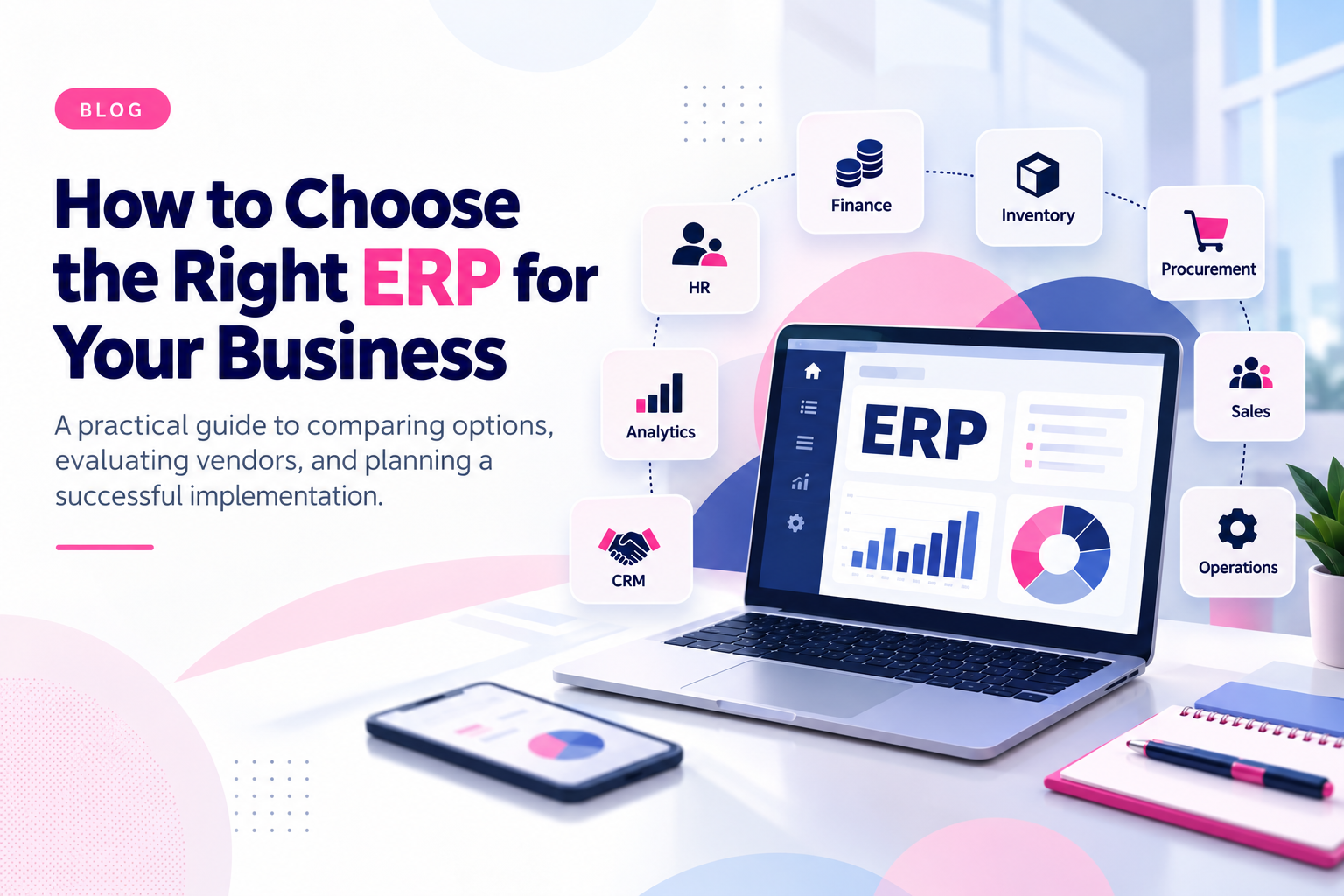
This guide walks through how to select the right ERP for your business: what to define first, how to compare options, which features matter, what to ask vendors and implementation partners, and what goes wrong when the choice is rushed.
What Is an ERP System?
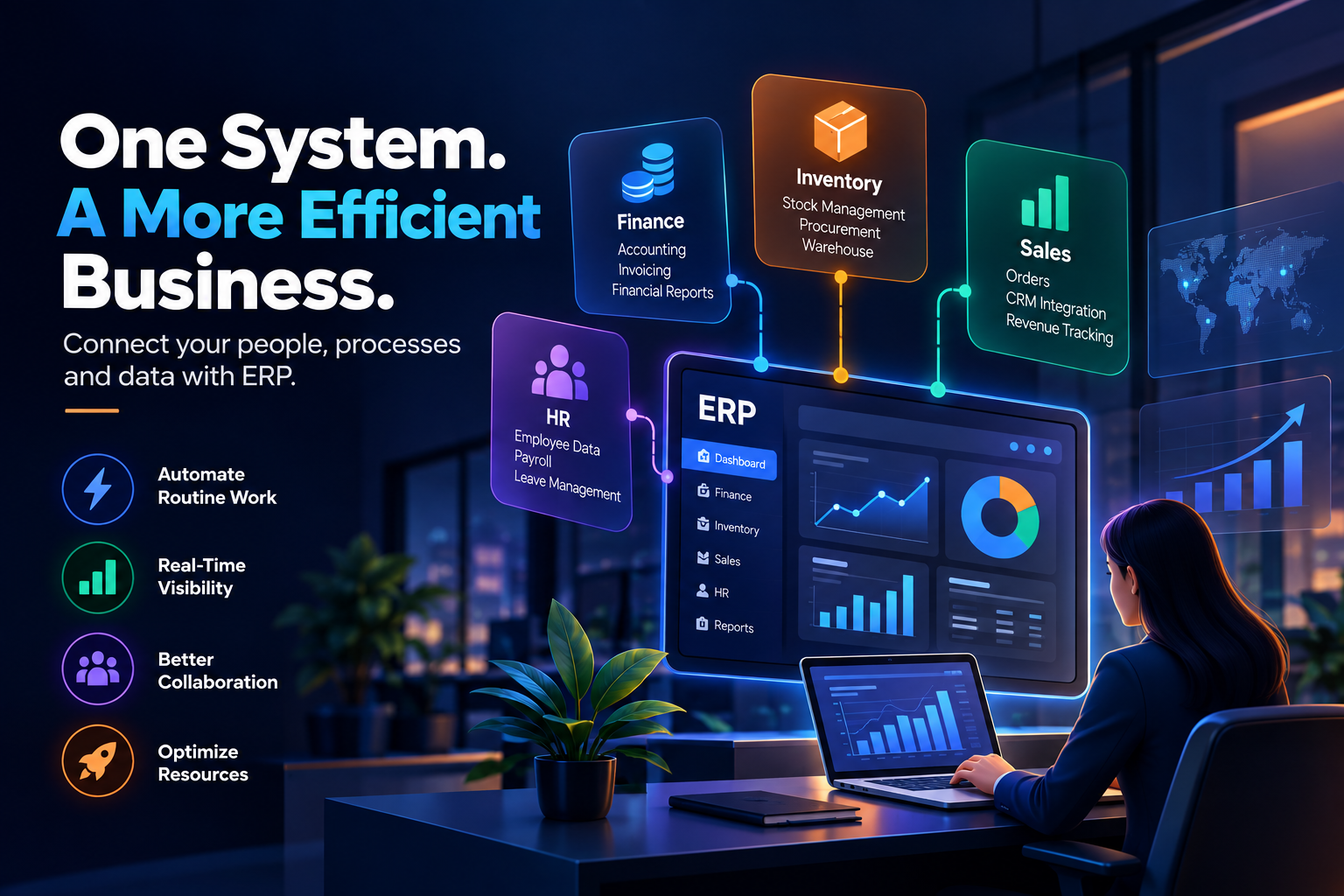
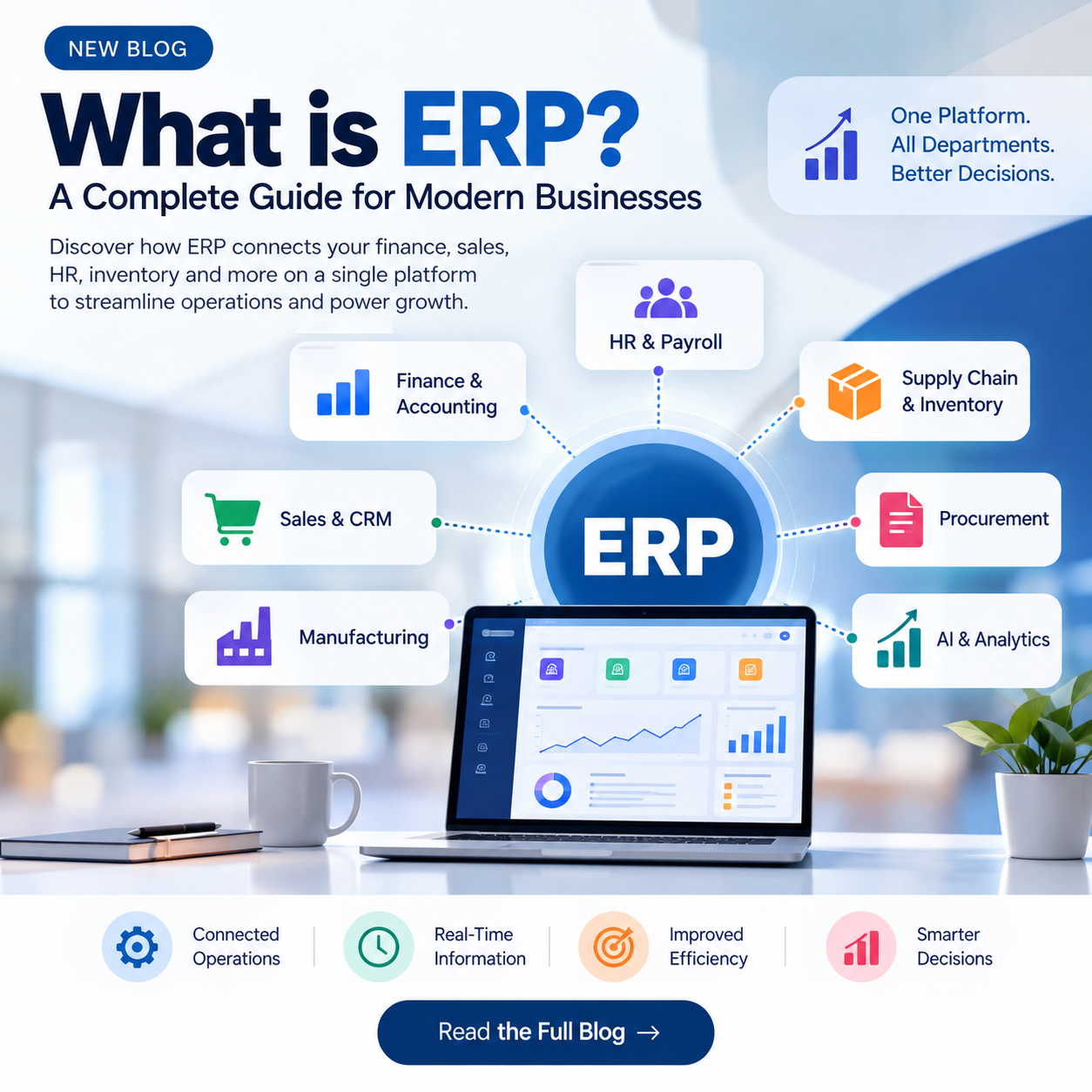
An ERP is a modular software platform that manages a company's core transactions and processes in a single shared database. Instead of finance using one tool, warehouse teams another, and sales a third, every department works from the same data.
Typical ERP modules include:
- Accounting and financial management
- Inventory and supply chain management
- Procurement and vendor management
- Order management and distribution
- Customer relationship management (CRM)
- Human resources and payroll
- Project and professional services management
- Reporting and analytics
Step-by-Step ERP Selection Process
1. Define Your Business Requirements and Budget
Start with your own processes, not with vendor demos. Document how work flows today, where it breaks, and what you want to improve. Tie each need to a measurable goal, such as shortening the financial close, reducing stock-outs, or cutting manual reconciliation.
Then build a realistic budget. License or subscription fees are only one line item. Also account for:
- Implementation and configuration
- Data migration
- Integrations with existing systems
- Customization
- Training and change management
- Ongoing support, upgrades, and hosting
Involve stakeholders from every department that will use the system. Requirements gathered only from leadership tend to miss the daily realities of the people who work in it.
2. Compare Your ERP Options
There is no single best ERP, only the best fit for your size, industry, and growth plans. Broadly, the market falls into a few groups:
| Category | Typically suited for | Things to check |
|---|---|---|
| Cloud ERP for small and mid-sized businesses | Companies that want fast deployment and lower infrastructure overhead | Depth of industry functionality, limits as you scale |
| Mid-market and enterprise cloud ERP | Multi-entity, multi-currency, or fast-growing organizations | Customization model, total cost of ownership |
| Large on-premise or hybrid enterprise suites | Complex global operations with heavy compliance needs | Infrastructure demands, implementation time and cost |
| Open-source and custom-built ERP | Businesses with unique workflows and in-house or partner engineering | Maintenance burden, security, long-term support |
Shortlist three to five products that match your requirements, then request demos built around your own scenarios rather than a generic script.
3. Evaluate the Implementation Process and Timeline
Even an excellent ERP fails if implementation is poorly planned. Clarify:
- Who runs the project, and what is expected from your internal team
- How long each phase takes, from discovery to go-live
- How data will be cleaned, mapped, and migrated
- How the ERP will integrate with systems you already use, such as CRM, e-commerce, payment, logistics, or BI tools
- How and when users will be trained
Decide early whether you will roll out all modules at once or in phases. Phased rollouts reduce risk for many mid-sized businesses, while a single cutover can suit smaller operations with simpler processes.
Core Features to Look for in ERP Software
Use the following checklist when scoring each option against your requirements.
- Automation: Can it automate approvals, invoicing, reordering, and reconciliations to cut manual work?
- Customization and configurability: Can workflows, fields, and reports be adapted without breaking upgrades?
- System integration: Does it offer open APIs and prebuilt connectors for your existing tools?
- Scalability: Can it handle more users, entities, currencies, transactions, and locations as you grow?
- Data security: Look for role-based access, audit trails, encryption, and compliance with the regulations that apply to you.
- Risk management and compliance: Does it support financial controls, tax rules, and regulatory reporting for your markets?
- Tracking and visibility: Are real-time dashboards and reporting available without exporting to spreadsheets?
- Usability and mobile access: Systems people dislike get worked around, which defeats the purpose.
Also decide where you sit on the flexibility spectrum. A highly configurable system adapts to your processes but requires more setup and governance. A more rigid system enforces best practices but may force you to change how you work.
How to Choose the Right ERP Vendor and Implementation Partner
You are choosing a long-term partner as much as a product. Look for industry experience, a clear implementation methodology, and a team that understands your culture and timeline.
Questions to ask every vendor or partner:
- Can you share case studies from companies similar to ours in size and industry?
- Where is your support team located, and what hours is it available?
- How often do you release updates, and how are they rolled out?
- What is the typical experience level and tenure of your support staff?
- What training options do you provide?
- What features are on your roadmap?
- Do you offer an industry-specific approach?
- Can you walk us through each phase of your implementation process?
- How do you handle data migration and validation?
- What happens to our data and integrations if we decide to leave?
Ask for references and speak to them directly. A confident vendor will welcome it.
What Happens If You Choose the Wrong ERP?
A poor ERP choice creates problems that compound over time:
- Higher costs: Overly complex or ill-fitting systems need extra customization, consulting, and training, which pushes total cost well beyond the original estimate.
- Lower productivity: Clunky workflows and missing functionality slow teams down and disrupt operations.
- Data integrity issues: Inconsistent or duplicated data leads to reporting errors, compliance risk, and poor decisions.
- Low adoption: If employees avoid the system and keep using spreadsheets, you pay for software that does not deliver value.
- Costly switching: Replacing an ERP mid-way means another round of migration, retraining, and downtime.
Common ERP Selection Mistakes to Avoid
- Letting a demo, rather than documented requirements, drive the decision
- Underestimating data migration and integration effort
- Ignoring change management and user training
- Choosing only for today's size without planning for growth
- Skipping reference checks
- Treating the project as an IT purchase instead of a business transformation
How Teenva AI Can Help
ERP value depends on how well the system fits your processes and how smoothly it connects to everything around it. At Teenva AI & Digital Ventures, we help businesses across travel, healthcare, e-commerce, and retail with system integrations, custom software development, UI/UX design, AI solutions, and managed IT services. That includes connecting ERP platforms with your storefronts, booking systems, payment gateways, CRM, and reporting tools, and building custom modules or dashboards where off-the-shelf features fall short.
Conclusion
Selecting the right ERP comes down to clarity: clear requirements, a realistic budget, honest evaluation of features and vendors, and a thoughtful implementation plan. Take the time to involve your teams, test against real scenarios, and choose a partner who will support you after go-live. A well-chosen ERP becomes the backbone of your operations; a poorly chosen one becomes an expensive obstacle.
Ready to Integrate or Implement Your ERP?
Whether you are evaluating ERP options, need your ERP integrated with your existing systems, or want custom ERP-connected software built, Teenva AI is ready to help.
- Email: sales@teenvaai.com
- Phone: +91 9572020107
- Website: teenvaai.com