
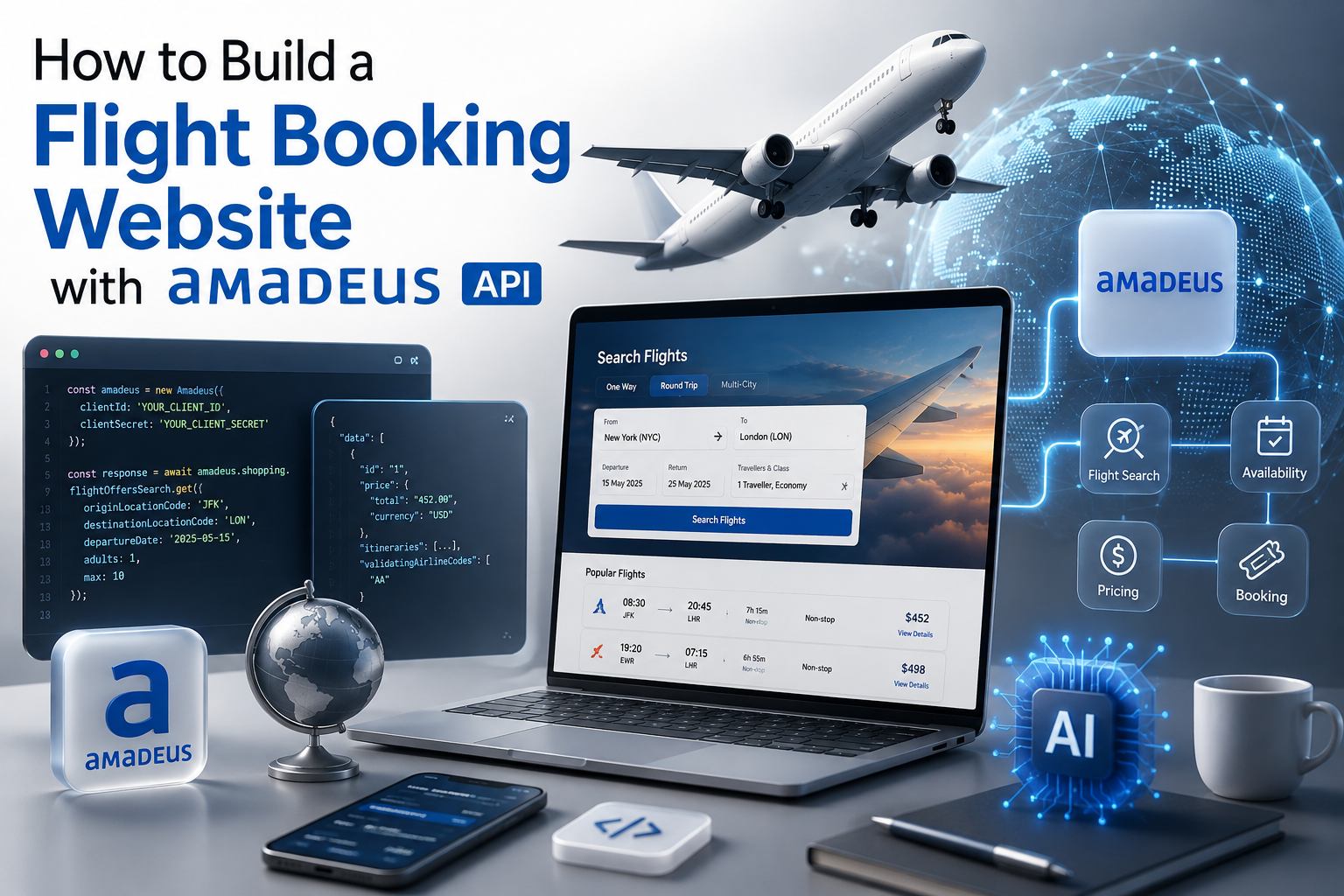
How to Build a Flight Booking Website with Amadeus API
Building a flight booking website with Amadeus API is one of the fastest ways for an OTA, TMC, or travel agency to launch a real-time booking platform without negotiating separately with hundreds of airlines. Amadeus already aggregates fares, schedules, and seat inventory from 400+ carriers into a single set of REST and SOAP APIs, so the real work shifts from sourcing supply to designing a booking engine that searches, prices, books, and manages flights reliably at scale.
This guide walks through the architecture, the step-by-step build process, the APIs you will actually touch, realistic costs, and the mistakes that most commonly delay a launch.
Why Choose Amadeus API for a Flight Booking Website
Before writing a single line of code, it helps to be clear on what Amadeus brings to the table versus building against individual airline APIs or a smaller aggregator.
Airline coverage: Access to 400+ full-service and low-cost carriers through one integration layer instead of dozens of separate contracts.
Two API generations in one platform: Amadeus supports both traditional GDS-style booking and modern NDC content, so a single website can offer richer airline-direct fares alongside standard GDS fares.
Enterprise-grade reliability: Amadeus processes a large share of the world's air bookings, which means the platform is built for peak-season load and has mature failover behavior.
Ancillary revenue tools: Seat selection, baggage, and other ancillary APIs let a booking website monetize beyond the base fare.
Sandbox-first development: A self-service developer portal and test environment mean a team can prototype search-to-book flows before signing a commercial agreement.
The trade-off is integration depth. Amadeus is powerful, but the request/response models, session handling, and pricing rules take real engineering effort to get right — which is exactly what the rest of this guide addresses.
Core Architecture of an Amadeus-Powered Flight Booking Website
A production flight booking website is not just "call an API, show results." It needs a layer that manages search performance, session state, pricing accuracy, and payment and PNR reliability.
At a minimum, the backend needs to own three responsibilities that the API alone will not handle for you: caching search results so repeated queries don't hit rate limits, re-validating price before payment (fares can change between search and booking), and reconciling the booking record in your own database with the PNR that Amadeus and the airline create.
Step-by-Step Guide to Building the Website
1. Define Scope and Business Model
Decide upfront whether the site is B2C (consumer-facing), B2B (agent portal), or B2B2C (white-label for sub-agents), since this determines markup logic, user roles, and how deep the admin panel needs to be. It also determines which Amadeus APIs matter most — a B2B portal, for instance, leans more heavily on multi-GDS PNR retrieval and reporting than a lean consumer app does.
2. Register for Amadeus for Developers Access
Sign up on the Amadeus for Developers portal to get a test API key with generous free-tier call limits. This lets your team build and demo the full search-to-book flow before committing to the paid, production-scale agreement that's required to move real bookings and payments live.
3. Design the Core Booking Flow
The typical flow across the Amadeus flight APIs looks like this:
Each step maps to a specific Amadeus endpoint:
Flight Offers Search API – returns matching fares and schedules for the search criteria.
Flight Offers Price API – re-confirms the exact price and fare rules immediately before booking, since offers can expire or reprice.
Flight Create Orders API – creates the actual booking (PNR) with the airline once payment is authorized.
Seat Map Display API – shows the aircraft seat map for seat selection.
Flight Choice Prediction / Branded Fares APIs (optional) – help surface upsell options like flexible fares or extra baggage.
4. Build the Frontend Search and Results Experience
The search UI needs to handle one-way, round-trip, and multi-city search, along with filters for stops, airlines, price, and duration. Because flight search responses can be large, plan for pagination or lazy loading of results, and cache identical searches for a short window (a few minutes) to reduce redundant API calls and keep response times low during peak traffic.
5. Implement Pricing, Markup, and Currency Logic
Raw Amadeus fares are net or published rates; your business logic layer needs to apply markup rules, currency conversion, and any agent-specific commission tiers before displaying a final price to the user. This logic should live entirely on your backend — never in the frontend — so pricing can't be tampered with client-side.
6. Integrate Payments and Booking Creation
Once a user confirms a fare, re-price it through the Flight Offers Price API, capture payment through your payment gateway, and only then call Flight Create Orders. This ordering matters: creating the order before payment succeeds risks unpaid bookings, while charging payment before re-pricing risks charging the wrong amount if the fare shifted.
7. Handle Post-Booking Servicing
A booking website is judged as much by what happens after the booking as by the search experience. Build support for retrieving and displaying PNR status, processing cancellations and refunds according to fare rules, and handling schedule change or involuntary rebooking notifications from the airline.
8. Test Thoroughly in the Sandbox, Then Move to Production
Amadeus's test environment uses simulated data, so before going live you'll need to validate the full flow — search, price, book, pay, and cancel — against production credentials in a controlled rollout, ideally with a small set of real routes before opening the site broadly.
Common Challenges When Building with Amadeus API
Challenge | What Causes It | How to Handle It |
|---|---|---|
Price mismatches at checkout | Skipping the re-price step before payment | Always call Flight Offers Price immediately before Create Orders |
Slow search response times | No caching layer, too many live calls per search | Cache repeat searches briefly; paginate results |
Complex fare rules and refund logic | Fare rules vary by airline and fare class | Parse and store fare rule data at booking time, not just at display time |
Session and rate-limit errors | High concurrent traffic without request throttling | Implement request queuing and respect Amadeus rate limits per plan tier |
PNR reconciliation issues | Booking database and airline PNR falling out of sync | Use webhook or polling-based status checks to keep records aligned |
Estimated Cost and Timeline
Cost depends heavily on scope, but a realistic range for a B2C or B2B flight booking website built on Amadeus API — covering search, book, pay, and a basic admin panel — typically falls between a lean MVP built in 2–3 months and a fuller-featured platform with ancillary services, multi-GDS fallback, and an agent portal that can take 4–6 months. Ongoing costs include the Amadeus API usage fees (which scale with booking volume), hosting, payment gateway fees, and maintenance for fare rule and airline policy changes.
Final Thoughts
A flight booking website built on Amadeus API gives a travel business access to global airline content without the overhead of managing individual airline contracts, but the API itself is only the supply layer. The businesses that succeed are the ones that invest equally in the booking engine architecture — accurate re-pricing, resilient session handling, clean PNR reconciliation, and a servicing flow that holds up after the booking is made, not just at the moment of search.
For travel businesses that want this built without carrying the full integration load in-house, working with a travel technology partner experienced in Amadeus API integration can compress the timeline considerably while avoiding the pricing and reconciliation mistakes that most commonly delay a launch.