
How ERP Can Improve Business Efficiency: Key Questions Answered
Most growing businesses hit the same wall. Finance works in one tool, inventory in a spreadsheet, sales in a CRM and HR in email threads. Nothing talks to anything else, so people spend their days copying data, chasing approvals and reconciling numbers that never quite match.
Enterprise Resource Planning (ERP) software exists to fix exactly this. Instead of buying more tools, you ask better questions first. This guide explains how ERP can improve business efficiency and walks through the questions that matter most, from why it helps to how to choose and implement it.
What Is ERP, in Plain Terms?
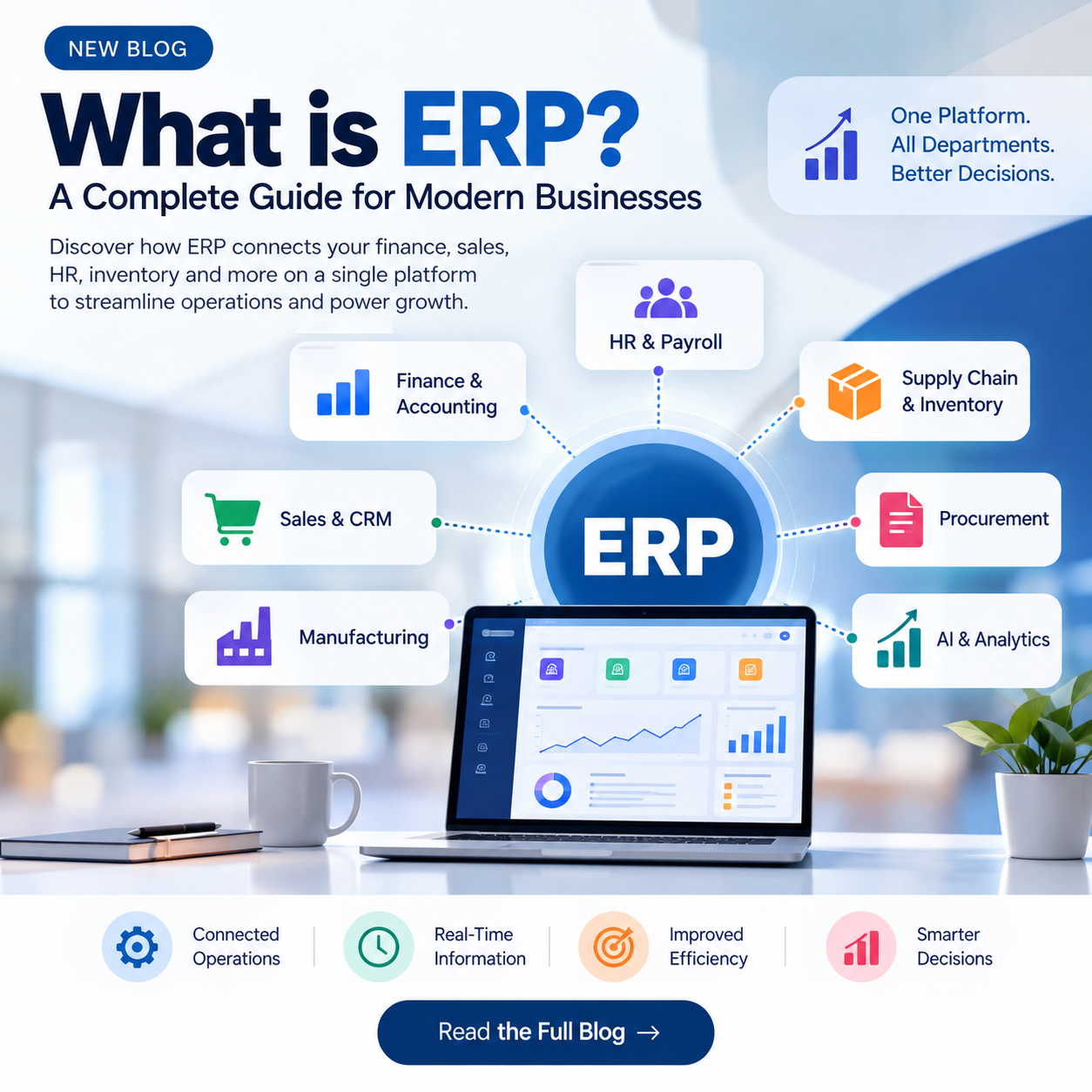
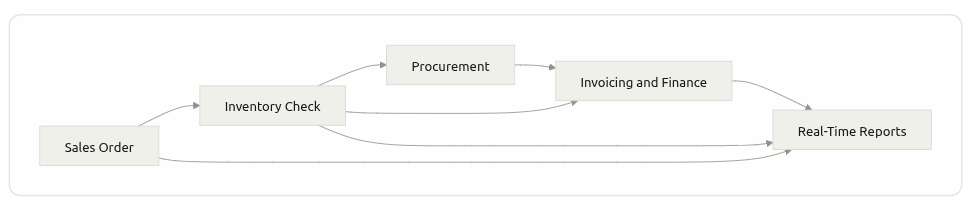
An ERP system is a single platform that connects the core functions of a business: finance, accounting, inventory, procurement, sales, HR and reporting. Every department works from the same live data, so an order placed by sales is instantly visible to warehouse, finance and management.
Start With Your Own Business: Questions to Ask First
Before looking at any software, get clear on your own situation.
What are the biggest operational bottlenecks today?
Which tasks are repetitive and could be automated?
How much customization do you need?
Will you need to scale to more users, branches or countries?
Do you want an all-in-one suite or a modular setup you grow into?
Honest answers here prevent the most common ERP mistake: buying features you never use while missing the ones you need.
How Can ERP Improve Business Efficiency?
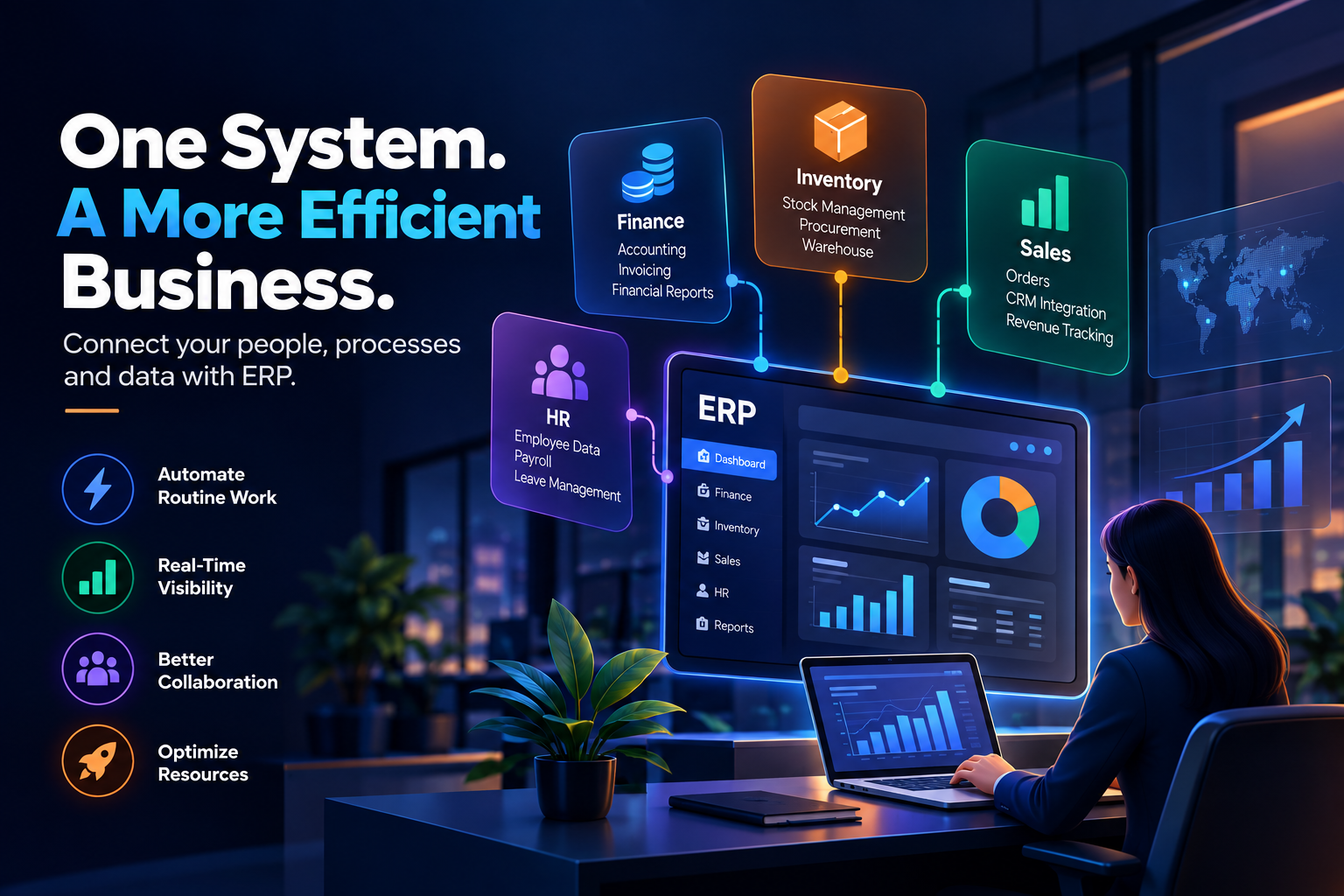
So, how ERP can improve business efficiency comes down to five practical ways.
Automates routine work. Invoicing, purchase orders, stock updates and payroll steps run on rules instead of manual entry.
Creates one source of truth. Everyone sees the same numbers, so fewer errors and fewer meetings spent arguing about data.
Gives real-time visibility. Dashboards show cash flow, stock levels and sales as they happen, not at month end.
Improves collaboration. Teams share workflows and approvals in one place instead of passing files around.
Optimizes resources. Better demand and inventory planning reduces waste, overstock and idle capacity.
Why Do Businesses Need ERP?
Three reasons come up again and again:
Better financial control. Automated bookkeeping and approvals give accurate, auditable records.
Stronger data security. Role-based access keeps sensitive data with the right people instead of scattered across personal files.
Less process friction. When workflows are connected, work moves forward without someone manually pushing it.
Cloud ERP vs. Traditional ERP: Which Should You Choose?
Factor | Cloud ERP | On-Premise ERP |
|---|---|---|
Upfront cost | Lower (subscription) | Higher (hardware and licenses) |
Scalability | Add users and modules easily | Needs infrastructure upgrades |
Access | Anywhere, any device | Mostly office network |
Control and customization | Good, vendor-dependent | Maximum control |
Maintenance | Handled by provider | Handled by your IT team |
Most small and mid-sized businesses start with cloud ERP for speed and flexibility. Businesses with strict data residency or heavy customization needs sometimes prefer on-premise or hybrid.
Which ERP Is Best for You?
There is no universally best ERP. The right choice depends on your industry, size, budget and growth plans. A retailer needs strong inventory and POS integration. A service firm needs project billing and time tracking. A manufacturer needs production planning. Shortlist two or three options, run a demo with your real workflows, and judge them on fit, not feature count.
ERP, CRM and POS: How They Work Together
ERP is the backbone, but it rarely works alone.
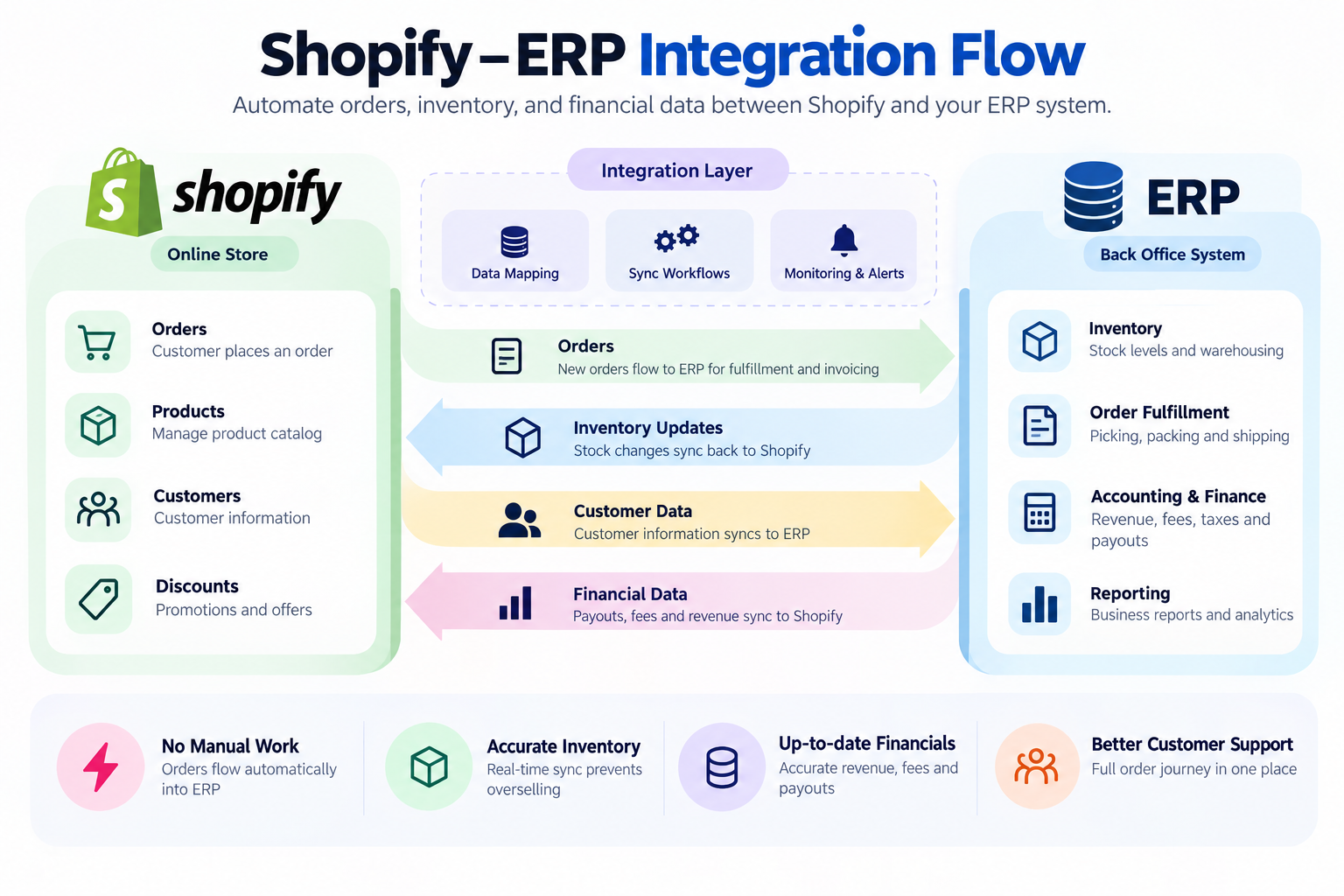
CRM manages leads, customer history and sales pipeline. Connected to ERP, it ensures a won deal flows straight into invoicing and fulfillment.
POS handles in-store or restaurant transactions. Connected to ERP, every sale updates stock and accounts automatically.
Business automation tools handle approvals, notifications and reporting on top of your ERP data.
The real efficiency gain comes from integration. Disconnected best-of-breed tools bring back the same manual re-entry ERP was meant to remove.
When Should You Consider Custom Software?
Off-the-shelf ERP covers most standard needs. Custom development makes sense when:
Your process is a competitive advantage that standard modules cannot support.
You need deep integration with legacy systems, partner APIs or industry-specific platforms.
You are paying for heavy workarounds just to make a generic tool fit.
A common middle path is a standard ERP core with custom modules and integrations built around it.
Common ERP Mistakes to Avoid
Skipping process mapping before choosing software
Underestimating data migration effort
Ignoring user training and change management
Customizing everything instead of adopting good standard workflows
Treating go-live as the finish line instead of the start of improvement
Is Your Business Ready for ERP? A Quick Checklist
Teams re-enter the same data in multiple tools
Month-end reporting takes days
Stock or financial figures often do not match
Growth is adding complexity faster than your tools can handle
If two or more apply, ERP is likely worth a serious look.
Final Thoughts
Understanding how ERP can improve business efficiency starts with seeing that ERP is not just software. It is a way of running a business on connected, trustworthy data. The companies that benefit most are the ones that define their needs first, choose for fit, and plan integration and training from day one.
At Teenva AI & Digital Ventures, we help businesses plan, build and integrate the systems that run their operations, from custom software and system integrations to AI-driven automation and managed IT services. Whether you need to connect your ERP with CRM, POS or e-commerce platforms, or build custom modules around it, our team can take it from requirement to go-live.
Ready to streamline your operations? Talk to Teenva AI about your ERP integration or custom software project. Email: sales@teenvaai.com | Phone: +91 9572020107 | Web: teenvaai.com