
AI Itinerary Builder for B2B Travel: Automate Trip Planning
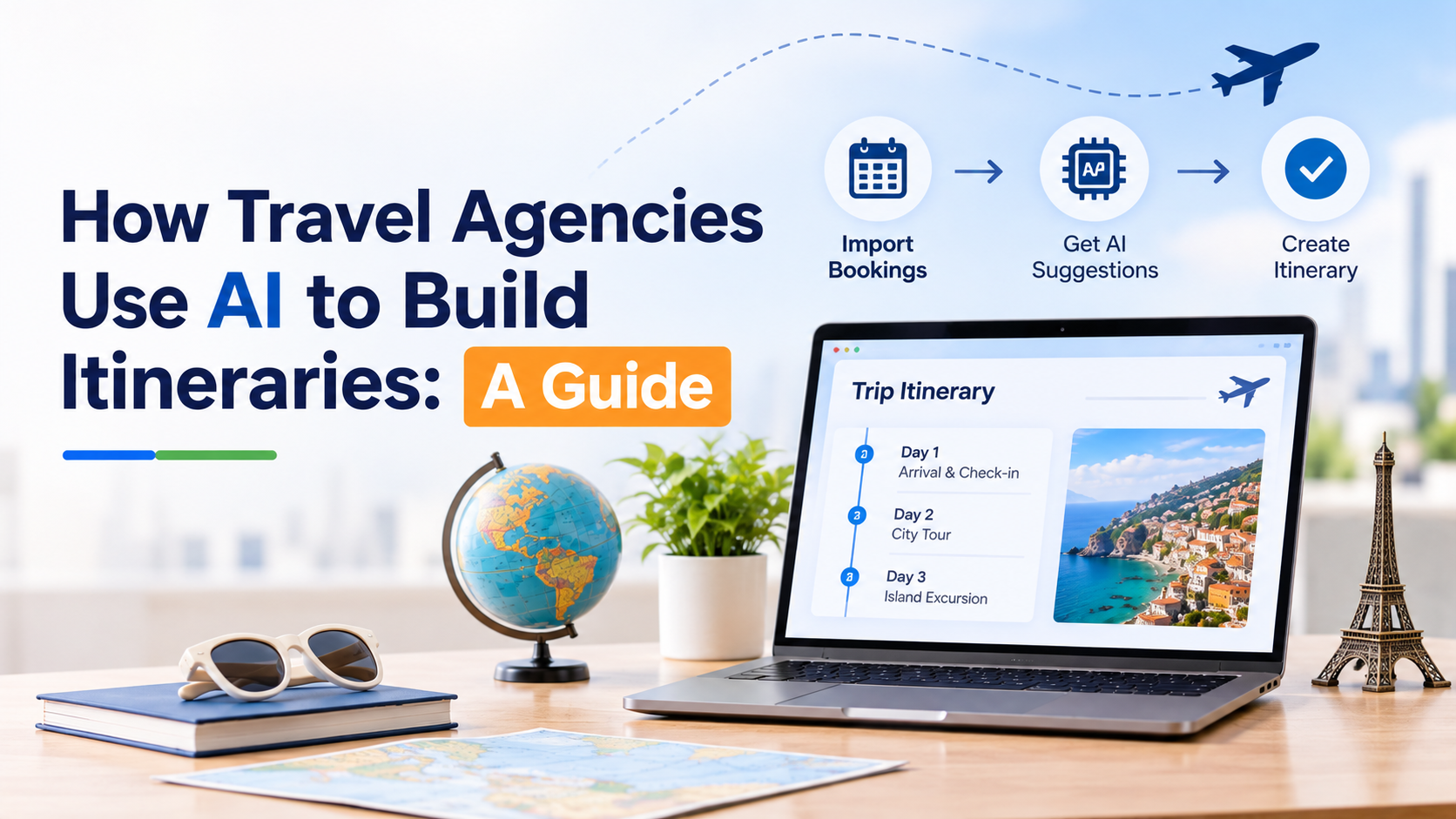
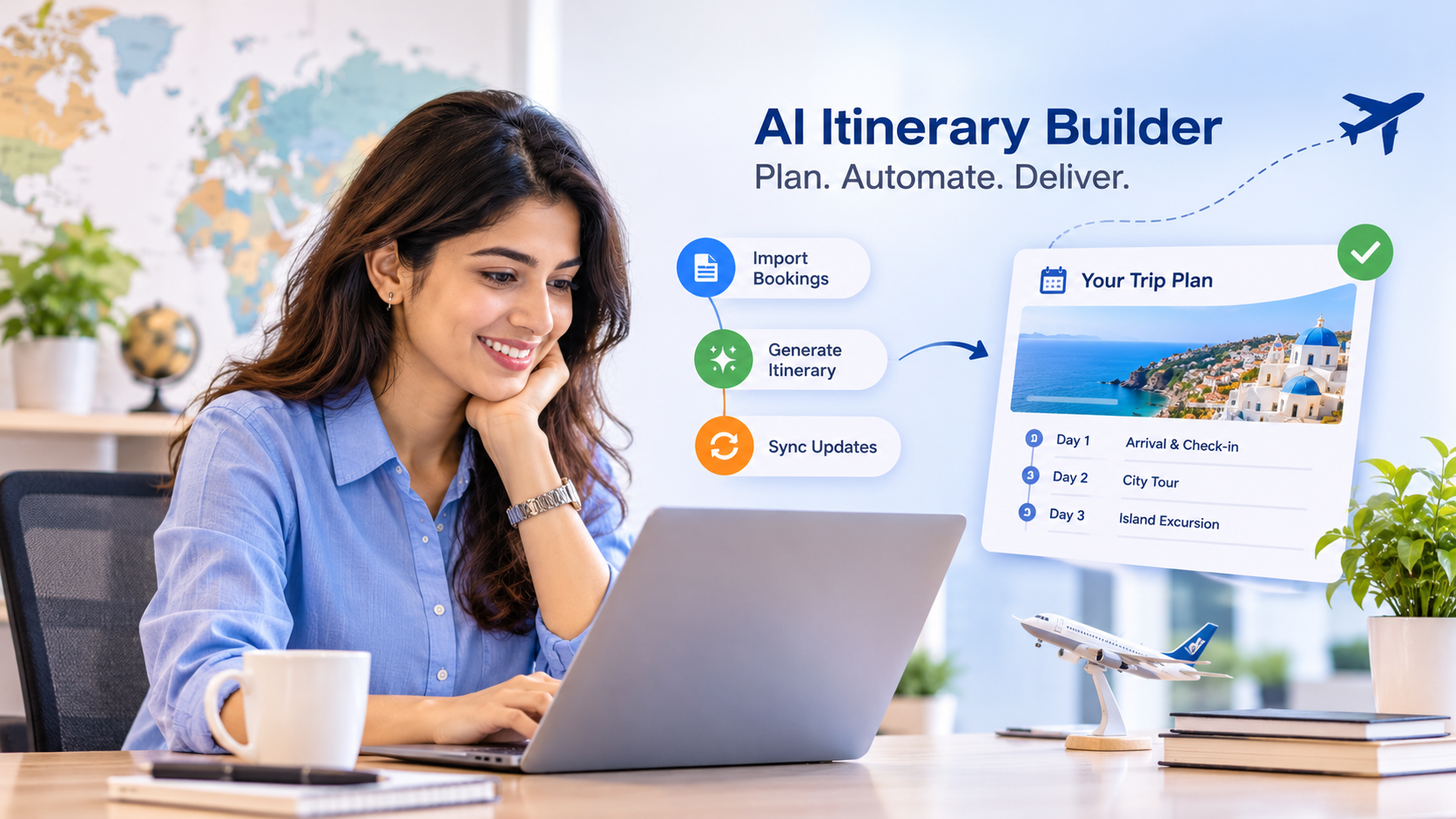
For many travel agencies and tour operators, building an itinerary still means copying details from supplier emails and PDFs into a document, formatting it, and redoing the work whenever something changes. It is slow, error-prone, and takes time away from the part clients actually value: designing a great trip. An AI itinerary builder for B2B travel changes this by importing bookings automatically, drafting day-by-day plans, and keeping every version of the trip up to date. This guide explains how it works, what features matter, and how agencies can adopt it.
What Is an AI Itinerary Builder?
An AI itinerary builder is software that uses artificial intelligence and automation to help create, manage, and deliver travel itineraries. In a B2B setting, it is designed for travel agencies, tour operators, destination management companies (DMCs), and similar businesses that build trips for clients or partners.
Typical AI capabilities include:
Document import: reading booking confirmations, supplier PDFs, emails, and spreadsheets and turning them into structured itinerary items.
Itinerary suggestions: proposing daily plans based on traveler preferences, opening hours, and geography.
Content assistance: drafting descriptions and reusing saved content and images.
Automation: syncing changes and notifying travelers when plans change.
AI drafts and organizes; your team reviews and decides.
Why B2B Travel Businesses Need Itinerary Automation
Retyping wastes time. Entering the same booking data into several systems or documents costs hours every week.
Changes create rework. A flight change or hotel swap can mean editing multiple files and sending new versions.
Consistency suffers. Different agents format trips differently, which weakens your brand.
Complex trips are hard to manage. FIT, group programs, cruises, and extensions involve many suppliers and partners.
Clients expect more. Travelers want a polished, up-to-date itinerary they can open on their phone, even offline.
How an AI Itinerary Builder Works
Manual vs AI-Assisted Itinerary Building
Task | Manual Process | AI-Assisted Process |
|---|---|---|
Entering bookings | Copy and paste from emails and PDFs | Import documents and extract details automatically |
Day-by-day planning | Research and arrange from scratch | AI suggests a draft plan for the agent to refine |
Formatting | Rebuild layouts in Word or slides | Reusable templates and consistent branding |
Handling changes | Edit several files and resend | Edit once, updates flow to app and web |
Collaboration | Email threads and shared files | Shared trip record for team and partners |
Delivery | PDF by email | App, web link, and PDF from the same data |
Content reuse | Search old files | Central library of descriptions and images |
Key Features to Look For
1. Document and Booking Import
Look for the ability to pull in supplier confirmations, emails, PDFs, Word and Excel files, or pasted text. Check which formats are supported and how accurately details are extracted.
2. GDS, Mid-Office, and Back-Office Integrations
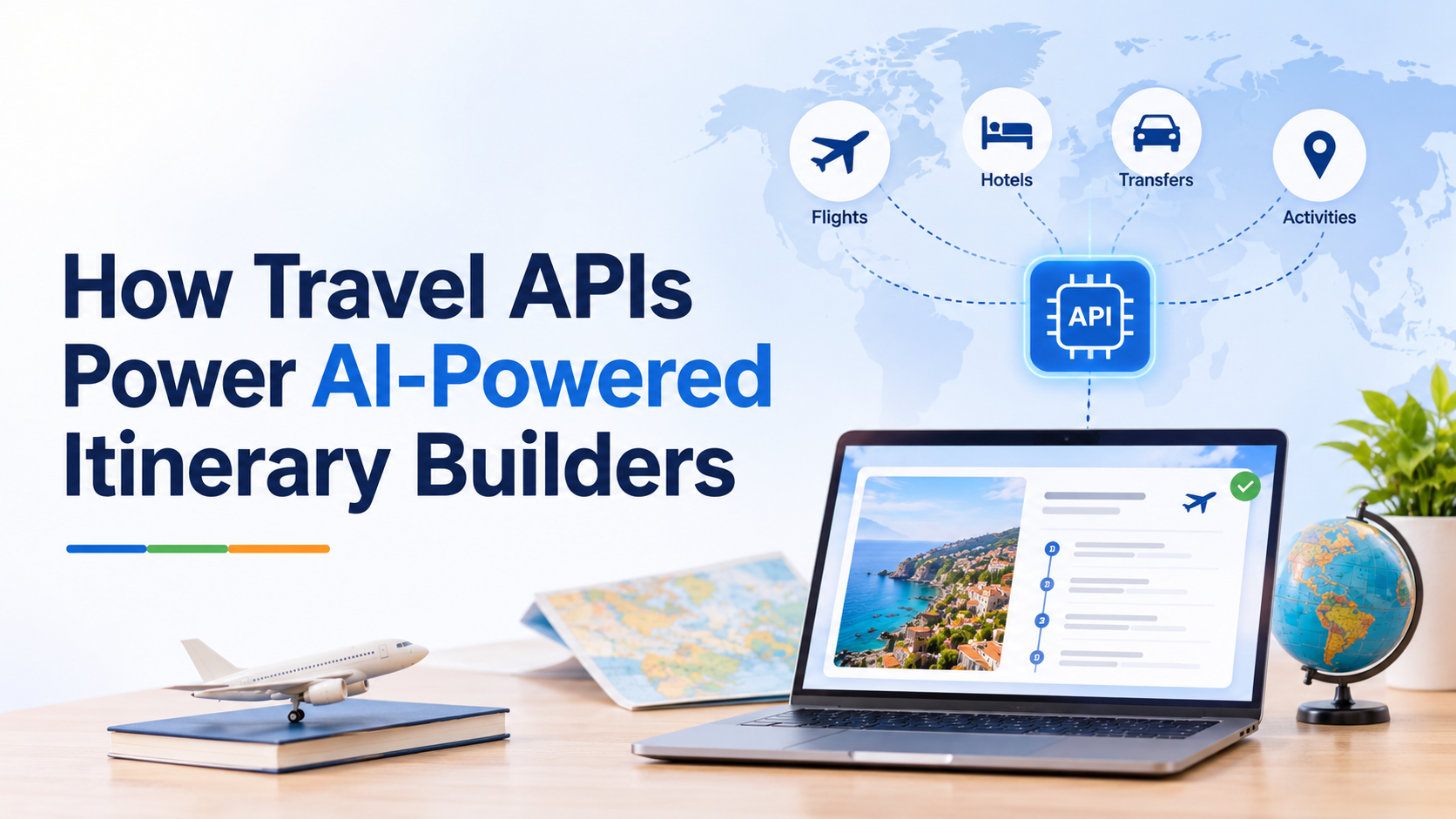
Connections to systems such as Amadeus, Sabre, Travelport, and the mid-office tools you already use mean bookings flow into the itinerary without retyping. Ask about APIs and automation tools for custom connections.
3. Drag-and-Drop Trip Builder
A visual builder lets agents add, move, and reorder flights, hotels, activities, transfers, and free time day by day.
4. Templates and Asset Library
Reusable descriptions, images, and documents keep itineraries consistent and speed up every new trip.
5. Proposals With Itemized Pricing
Start with a branded proposal and convert it into a confirmed itinerary once the client books.
6. Branded Delivery Across Channels
Deliver the same trip as a mobile app view, a web link, and a PDF, all carrying your logo, colors, and content. Offline access in the app is valuable for travelers abroad.
7. Automatic Updates and Flight Alerts
Edits and supported upstream changes should update the web itinerary and app automatically, and flight changes should reach travelers without manual messages.
8. Team and Partner Collaboration
Agents, operations staff, DMCs, and suppliers should be able to work on the same trip, with partners limited to the trips they contribute to.
9. Multi-Language and Multi-Brand Support
If you serve several markets or run multiple brands, check language coverage and whether separate brands can be managed from one account.
10. Custom Development and Support
Some providers offer custom features and integrations around your workflow. Agree scope, cost, and timeline before development begins.
Benefits for Travel Agencies and Tour Operators
Time savings: less retyping and reformatting frees agents to focus on trip design.
Fewer errors: importing data reduces typing mistakes in dates, names, and references.
Faster quotes and proposals: clients get responses sooner, which helps win bookings.
Consistent branding: every itinerary looks professional and on-brand.
Better traveler experience: live updates and offline access reduce confusion during the trip.
Scalability: teams can handle more trips without adding the same amount of admin work.
Risks and Limits of AI Itinerary Tools
AI is helpful but not perfect.
Review every output. Check dates, times, names, prices, and references before sharing, especially imported data.
Treat suggestions as drafts. AI may propose activities that are closed, impractical, or poorly timed for your client.
Protect data. Ask how traveler data is stored and processed, and ensure it meets privacy rules in your markets.
Check integration limits. Not every supplier document or system is supported, so confirm compatibility during evaluation.
Keep human expertise at the center. Local knowledge and client relationships are what differentiate your agency.
How to Adopt an AI Itinerary Builder
Map your current workflow. Note where time is lost: imports, formatting, changes, or delivery.
List your must-have integrations. Include your GDS, mid-office, and payment or accounting tools.
Shortlist providers and request a demo. Test with real supplier documents and a typical trip.
Run a pilot. Use the tool on a handful of live trips and compare time spent and errors.
Set review rules. Decide who checks AI-imported data and who approves final itineraries.
Train the team and build templates. Reusable content pays off quickly.
Measure results. Track time per itinerary, error rate, response time, and client feedback.
Questions to Ask Vendors
Which document types and suppliers can your import handle, and how accurate is it?
Which GDS, mid-office, and back-office systems do you integrate with?
Can I manage multiple brands and languages from one account?
How are updates delivered to travelers, and does the app work offline?
Can partners such as DMCs collaborate without seeing my full account?
How is pricing structured, and are there setup fees or minimum terms?
What custom development is available, and how is it scoped?
How is traveler data stored and protected?
Frequently Asked Questions
What is an AI itinerary builder? It is software that uses AI to import bookings, draft itineraries, and automate updates and delivery for travel businesses.
Will it replace travel agents? No. It handles repetitive data entry and formatting so agents can spend more time on design, advice, and client relationships.
Is it suitable for small agencies? Yes. Small teams often benefit most from saved time, and many providers offer simpler plans for smaller agencies.
How accurate is AI document import? Accuracy varies by tool and document type, so always review imported details before sharing with clients.
Can I deliver itineraries under my own brand? Many platforms support branded delivery across app, web, and PDF. Check whether a fully white-label app is offered and what it requires.
How long does implementation take? Simple setups can start quickly, while custom integrations or dedicated apps take longer. Ask providers for a realistic timeline.
The Bottom Line
An AI itinerary builder for B2B travel helps agencies stop retyping bookings, build polished trips faster, and keep clients informed as plans change. Choose a tool with reliable document import, the integrations you need, flexible branding, and strong collaboration features, then pilot it on real trips and keep humans in charge of the final result. The payoff is more time for creative trip planning and a better experience for every traveler.